
faq
To reset your password go to the top right corner and click login. 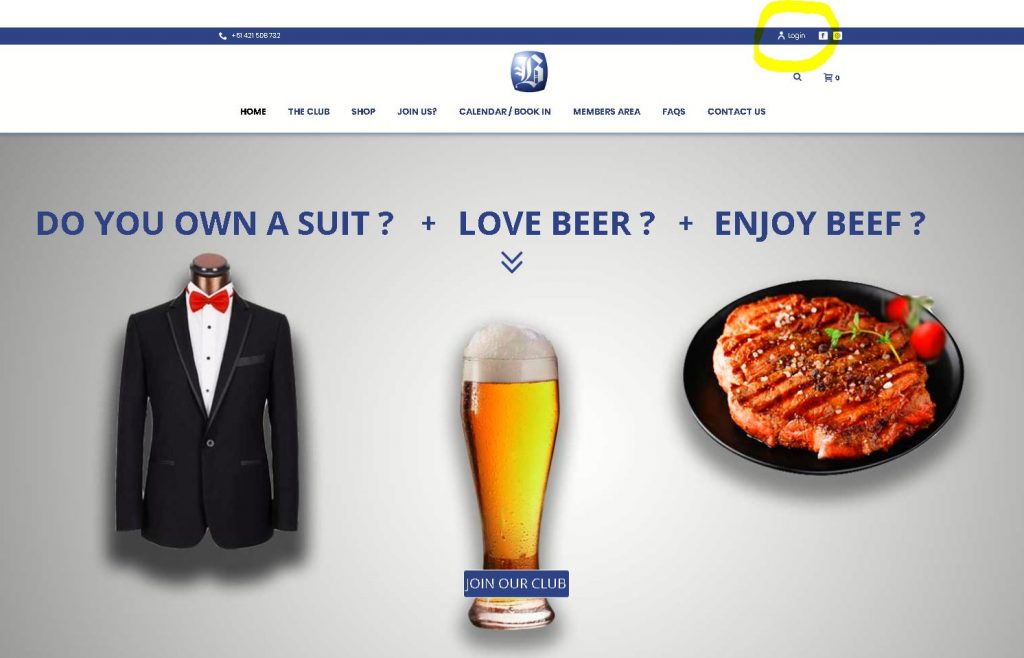
Then click on the lost your password link as per below: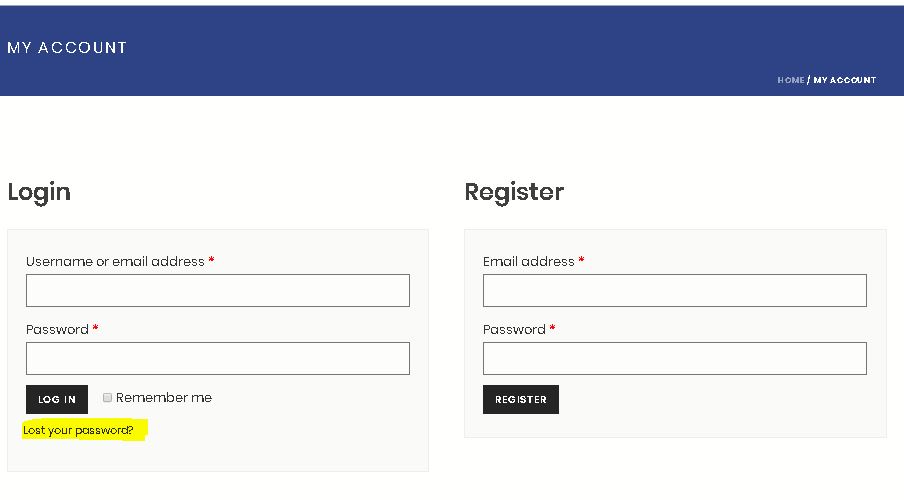
Finally enter your email address and click the rest password button. A email will be sent with instructions of how to reset your password.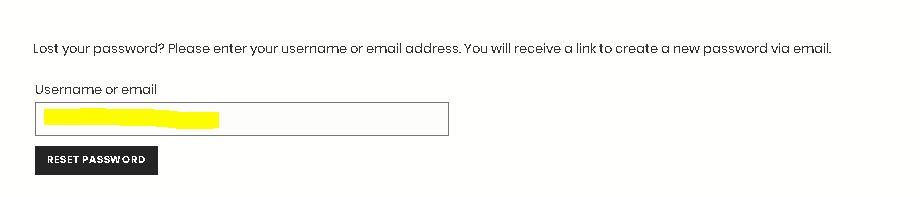
Then click on the lost your password link as per below:
Finally enter your email address and click the rest password button. A email will be sent with instructions of how to reset your password.
When you become a member, you gain access to the members area by way of a password provided. This is a different password than your normal login.Behind the members areas has items such as photos, paperwork, forms and past financial records as well as AGM Meeting notes. 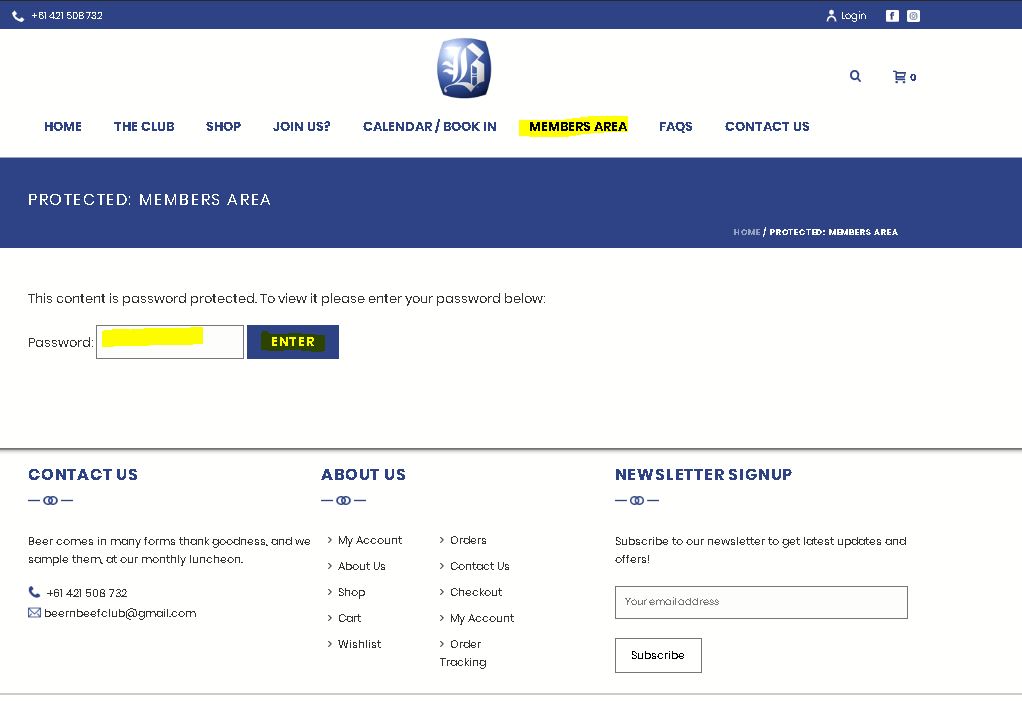
If you require access and cannot remember the members area password please email beernbeefclub@gmail.com to be re-provided the password.
If you require access and cannot remember the members area password please email beernbeefclub@gmail.com to be re-provided the password.
If you have any questions or issues please either fill in the contact us form on the top menu or email beernbeefclub@gmail.com
Watch the full details video here:
Steps:
Login if you are a member on the top corner login button.

Click on the top menu Calendar / Book In - https://beerandbeefclub.com.au/calendar/
Select the event you wish to book into from the list provided.
Select the ticket option you wish to purchase. The example below is for a Member that is bringing a 1st time guest.
In this instance you would select 1x Member attending and 1x 1st time guest coming with member to receive 2 tickets.Complete the fields required to ensure you sit together.
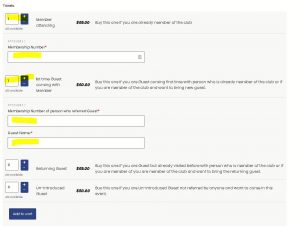
From here follow the payment instructions to pay and secure the booking.
Steps:
Login if you are a member on the top corner login button.
Click on the top menu Calendar / Book In - https://beerandbeefclub.com.au/calendar/
Select the event you wish to book into from the list provided.
Select the ticket option you wish to purchase. The example below is for a Member that is bringing a 1st time guest.
In this instance you would select 1x Member attending and 1x 1st time guest coming with member to receive 2 tickets.Complete the fields required to ensure you sit together.
From here follow the payment instructions to pay and secure the booking.
Yes you can. Simply go to our website calendar here https://beerandbeefclub.com.au/calendar/ select the event you wish to attend and from the list.Then in the ticket section select Un-introduced Guest and the + symbol then add your name and the add to cart.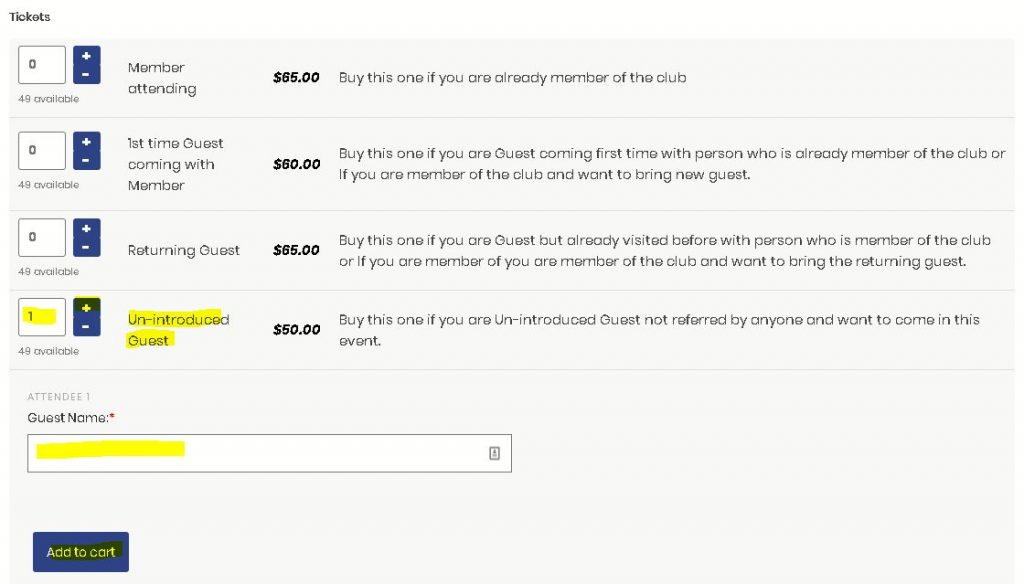 From here you can pay for the event and it will record your registration and one of the committee members will make contact with you.
From here you can pay for the event and it will record your registration and one of the committee members will make contact with you. The club dress code is suit jacket, pants and tie. Once you are a member of the club you will be issued with your club tie and name badge. It is expected of members to wear the name badge and tie at all of our functions.pl
To sign in go to the top right corner of the website https://beerandbeefclub.com.au and click on the login button.
Step 1:
Step 2:
Enter your email and password and click login
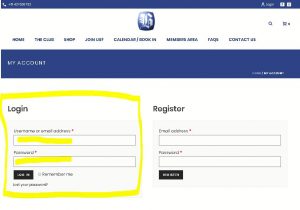
Step 1:
Step 2:
Enter your email and password and click login
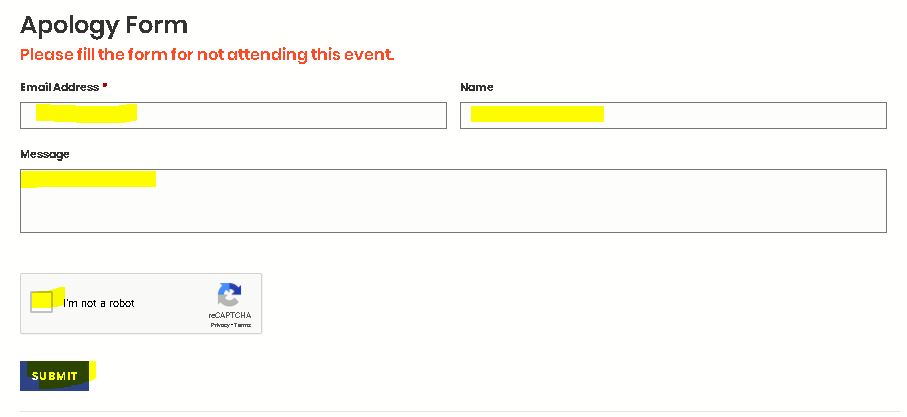
You will need to go to the Calendar/ Book In page on the top menu of the website or click here: https://beerandbeefclub.com.au/calendar/ Select the event that you are unable to attend. Then scroll down to below the ticket purchase information to the "Apology Form" and complete the form and submit.